

Monday.com and Xero Integration
Are you spending too much time on manual data entry, chasing project updates, or struggling with invoice delays? Automate your project and finance workflows by integrating monday.com and Xero. Eliminate double entry, reduce errors, and empower your team to focus on growth.
- Integrate
Connect Monday.com and Xero
If you’re managing projects in monday.com and handling finances in Xero, you know the pain of keeping everything aligned. Manual data entry leads to errors and delays. Integration bridges the gap so when your team marks a project “done,” your books know it’s time to bill.
Seamless customer sync
Automatically update customer data across both apps, to keep records accurate and current
One-click invoice creation
Generate invoices directly from completed Monday.com tasks—no more manual entry
Instant payment tracking
See payment status updates reflected instantly on your Monday.com boards, to keep everyone in the loop
Access anywhere
Leverage the integration platform to manage finances and sync data as needed
Streamline Financials
Easily manage project billing and finances with full accuracy and compliance.
Reduced Administrative Overhead
Automate double data entry and reconciliation, to free up staff to focus on casework.
Who's this for
Who benefits from this Integration
-
Project Managers: Spend less time on admin and more on delivery.
-
Finance Teams: Need real-time project data to invoice accurately and on time
-
Agencies & Consultancies: Juggle multiple clients, projects, and deadlines
-
Operations Leaders: Demand seamless collaboration and financial transparency.
How it works
Integrate in Three Simple Steps
Why choose us?
Experience and Expertise
Proven track record in case management and accounting integrations, delivering effective and user-friendly solutions.
Quick Deployment
Get up and running within hours, ensuring minimal disruption to your operations.
Customizable to Your Needs
Tailored integration with custom field mappings and workflow adjustments to fit your requirements.
Exceptional Support
Dedicated support team available at every stage, from setup to ongoing maintenance.
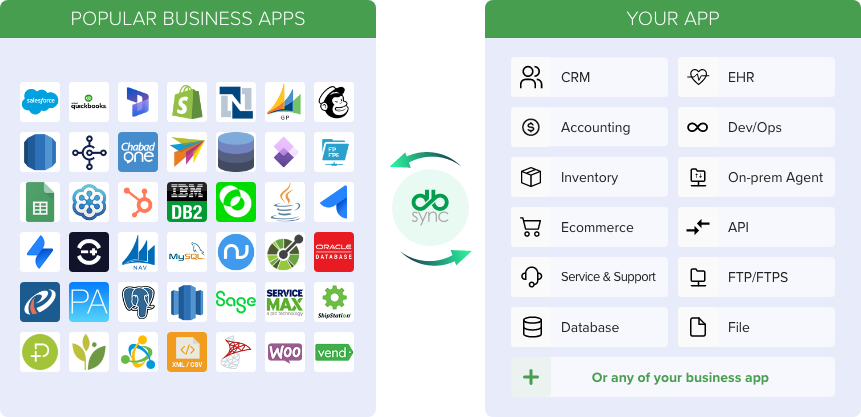
Integration Features
Seamless Data Synchronization
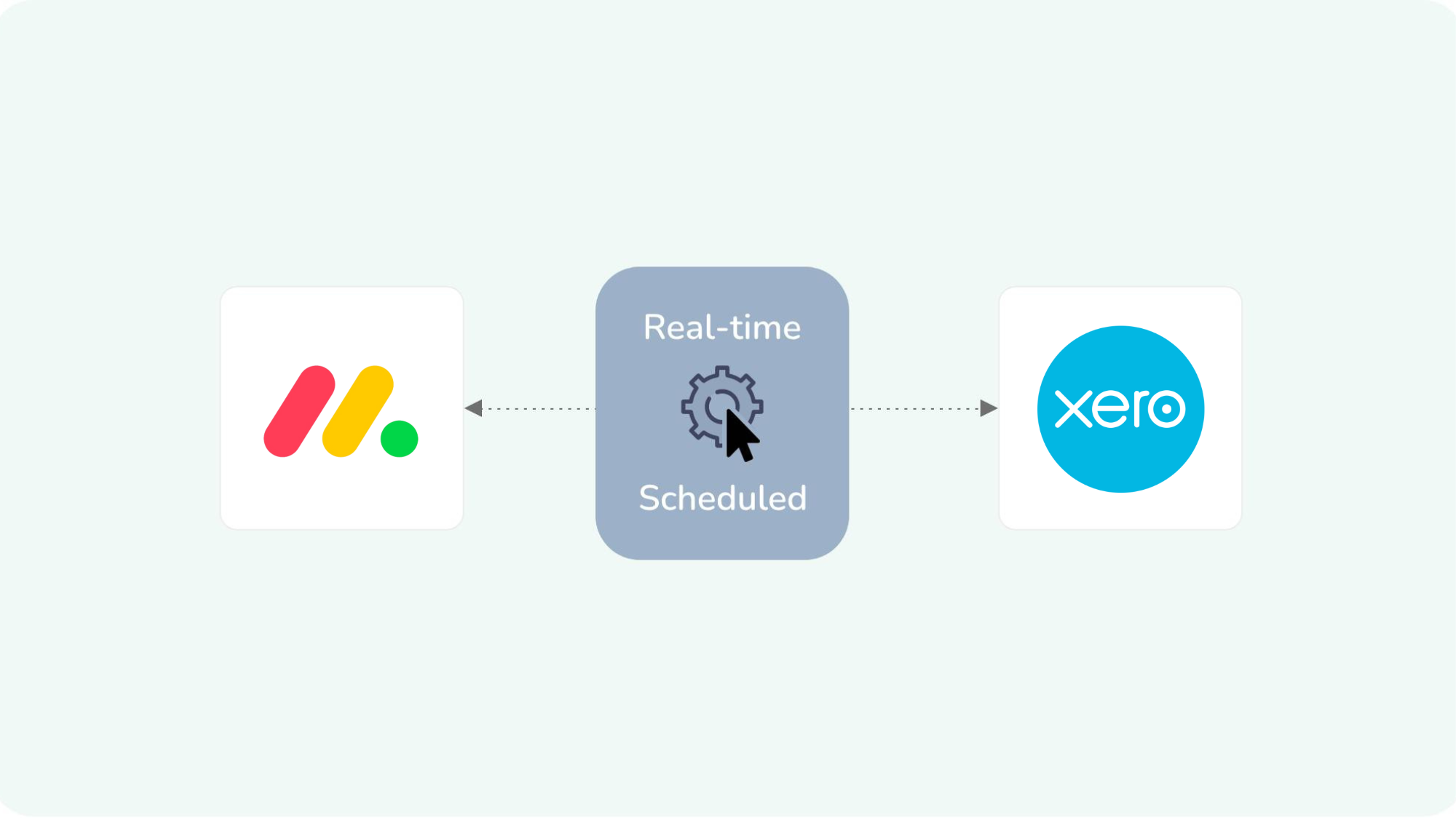
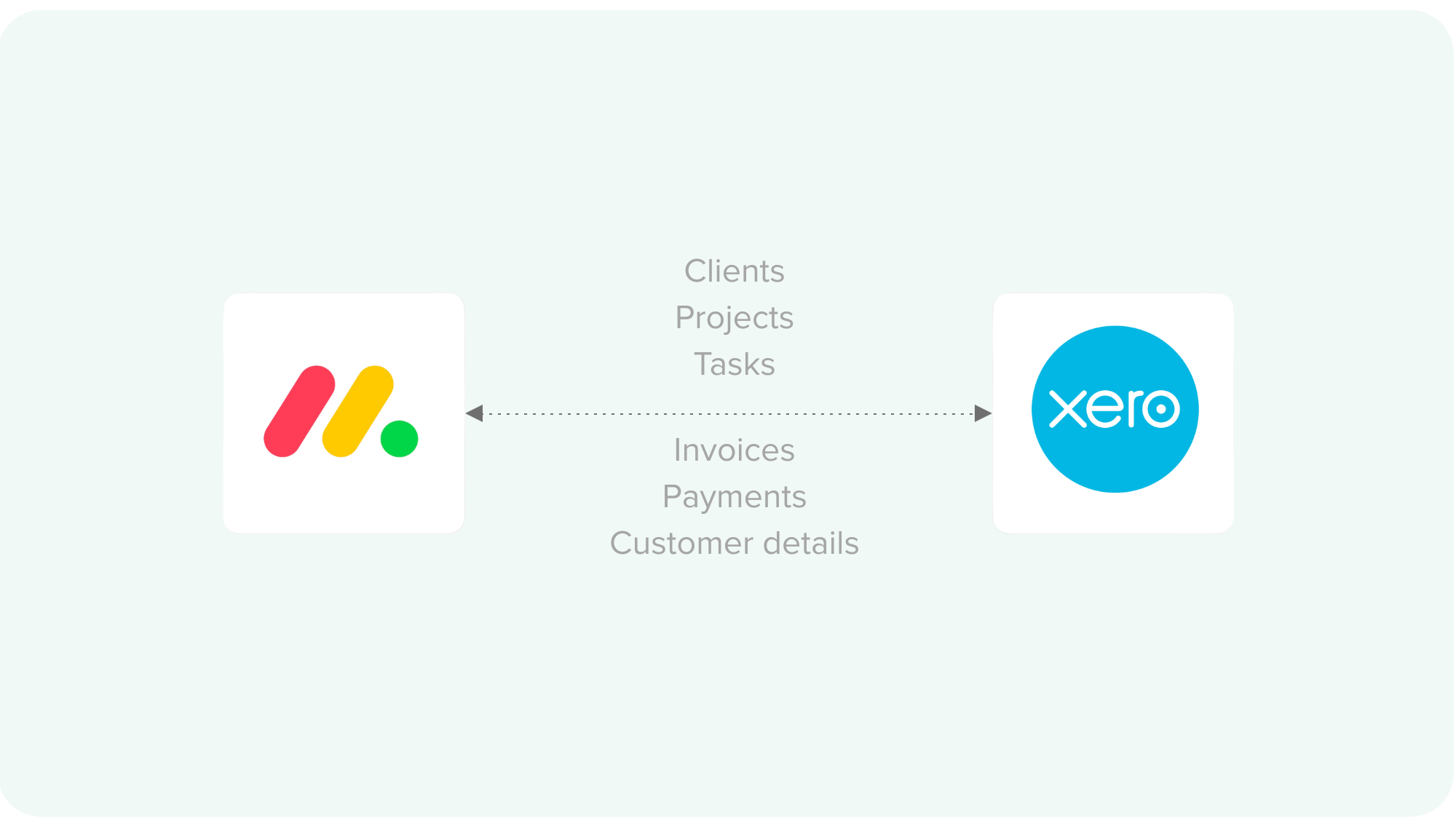
Instantly sync contacts, projects, tasks, invoices, payments, and client details between Monday.com and Xero so updates in one system are automatically reflected in the other, with no manual entry needed.
Custom Object Mapping
Tailor the integration to your business needs by mapping monday.com boards, items, and columns to Xero entities like Contacts, Invoices, Quotes, Bills, and Payments.
Integration Setup in Minutes
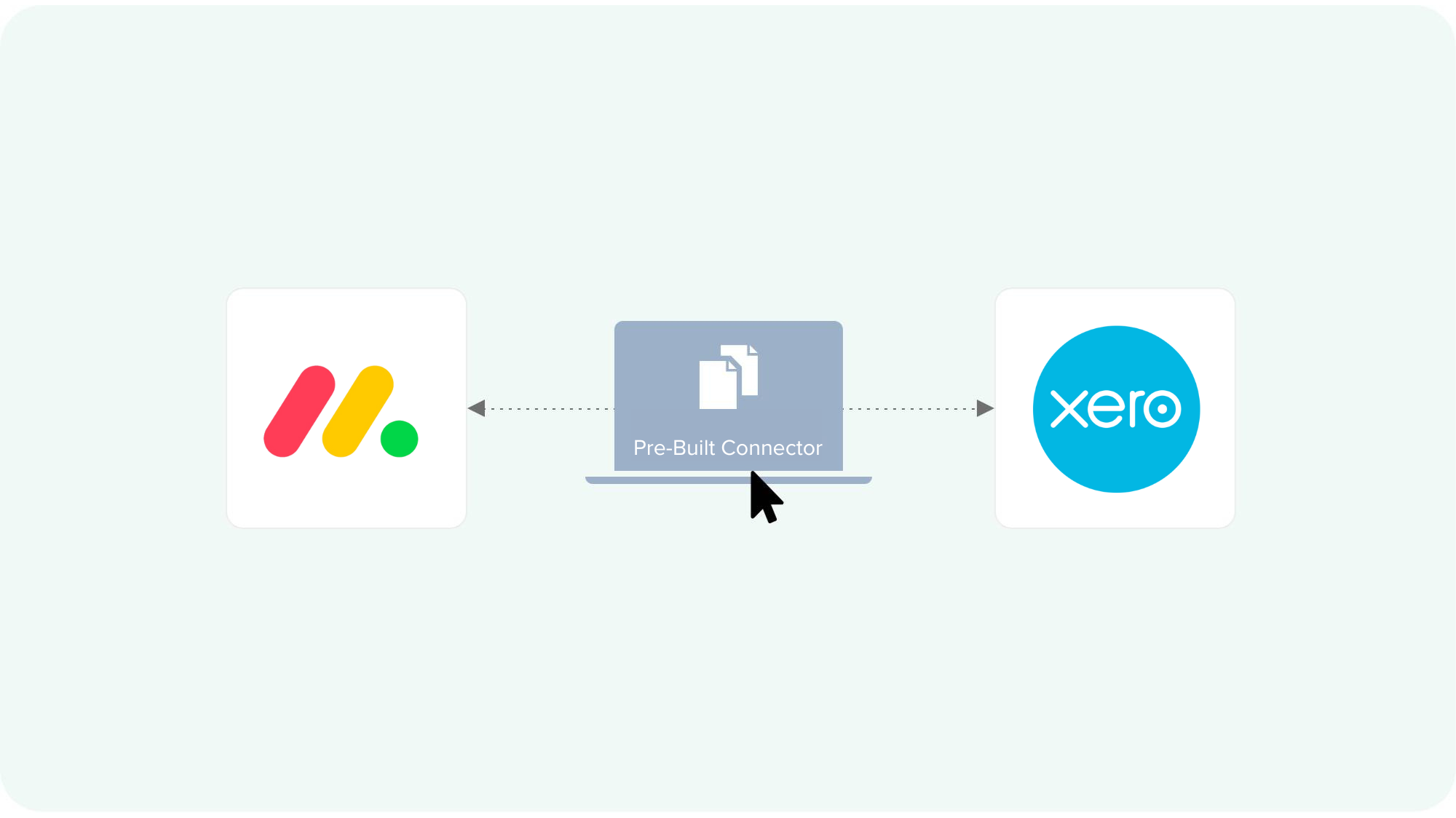
Get integrations live in minutes: use our streamlined 3-step ‘Connect-Setup-Run’ process with prebuilt connectors and quick form-based configuration.
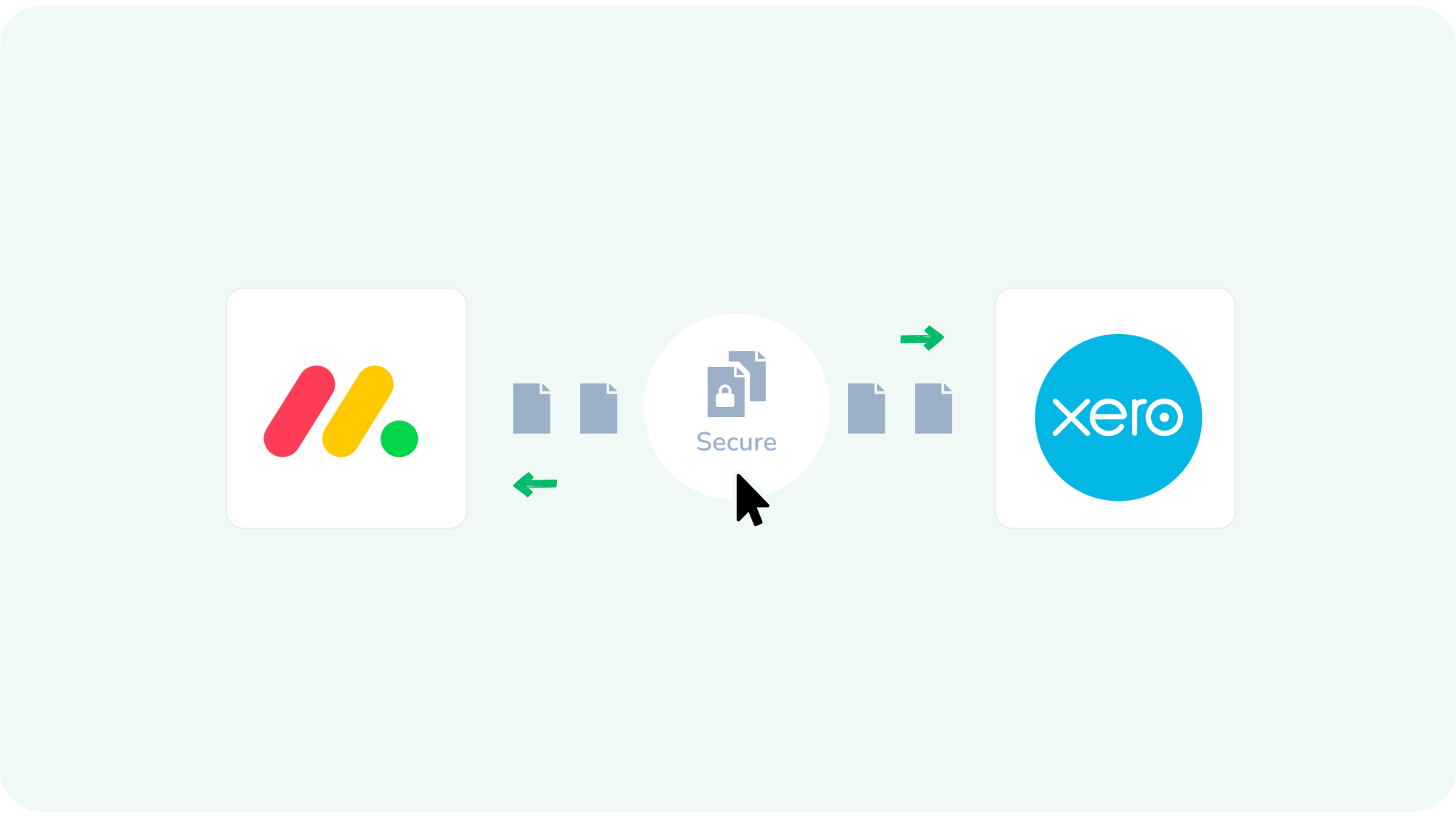
Secure and Reliable Integration
Advanced encryption, GDPR compliance, and robust error handling protect your data at every step.
Connect Monday.com and Xero
See DBSync in Action
A project wraps up in Monday.com, and like magic, an invoice appears in Xero. A client pays, and your team is instantly notified. No emails, no spreadsheets, no “Did you remember to…?”

Effortless Integration
Invoices are created the moment your work is done, no more delays.

Automated Workflows
Client and project info stays consistent everywhere, always.

Continuous Sync
Payment updates flow back to your team, so everyone’s in the loop
FAQs
Find quick answers to common questions instantly. Still searching? Our experts are ready to help. Contact us to discuss your unique situation and goals.
You can sync contacts, project boards, tasks, invoices, payments, and customer details to keep both systems up to date.
Yes, updates made in either monday.com or Xero can be reflected in the other, ensuring both platforms stay aligned.
No coding is required. The integration uses a guided, no-code setup process that anyone can follow.
Most users complete the setup in about 30 minutes. More complex workflows may take a bit longer.
Yes, you can map Monday.com boards, items, and columns to specific Xero entities and fields to fit your unique workflows.
All data is encrypted and transferred securely, with compliance with GDPR and CCPA standards for data protection.
The integration includes robust logging, and you can schedule notifications based on the status of these integration runs. You can view error logs and fix these issues on the integration workspace.
Yes, a free trial is available so you can test the integration before committing, and we will be available on the Monday.com marketplace too.
Project-driven teams, agencies, consultancies, and SMBs that need seamless alignment between project management and accounting will benefit the most.
A dedicated support team is available to assist you with setup, troubleshooting, and any questions you may have.

Get started
Ready to Streamline Your Project and Financial Workflows
Contact Integration Expert
Questions about our product, pricing, or offerings? Fill in the form below and we will contact you. We endeavor to answer all inquiries within 24 hours on business days.