

























Salesforce.com

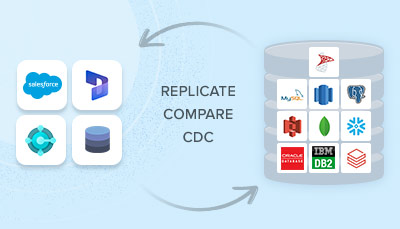
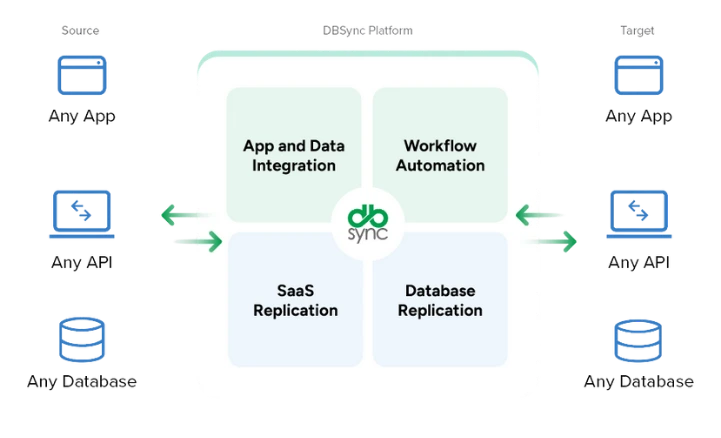
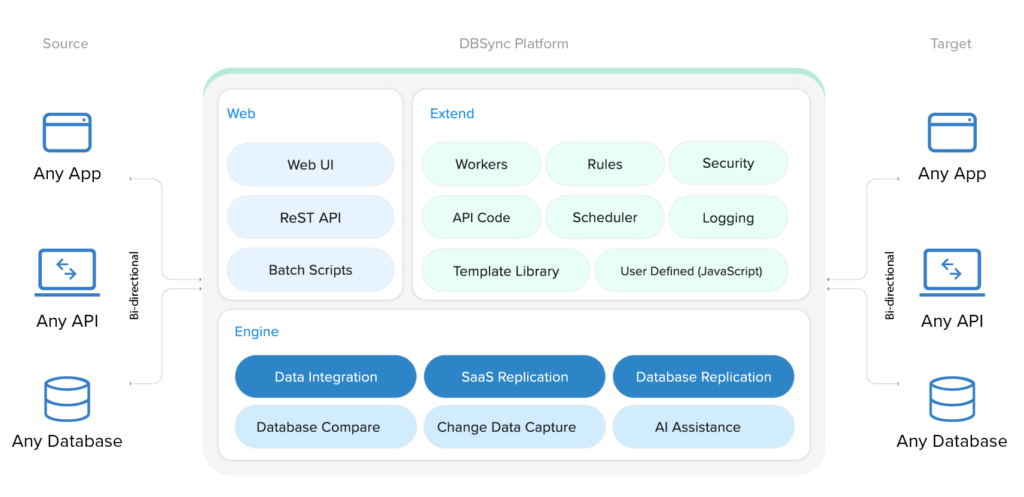
dbsyncTM is a platform built for salesforce.com users who require bi-directional data synchronization, replication, migration, scrubbing and integration with a back-end database or applications. It provides a simple User Interface to configure and manage multiple integration profiles.

Features

  • Standard and Custom objects and fields can be mapped from salesforce.com
  • Integrate with Accounting, Databases, files and many more adapters
  • Easily integrate with credit card vendors and process credit card from within salesforce.com.
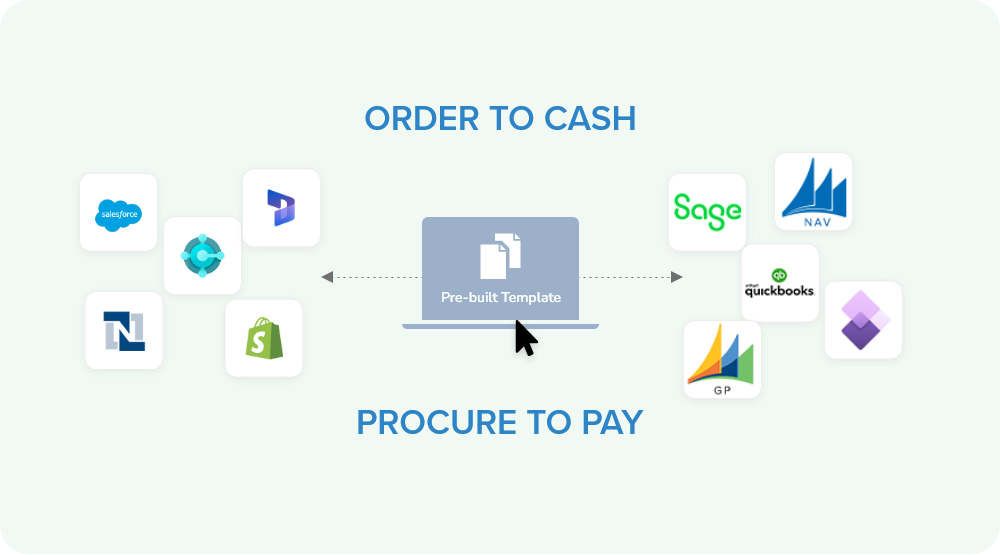
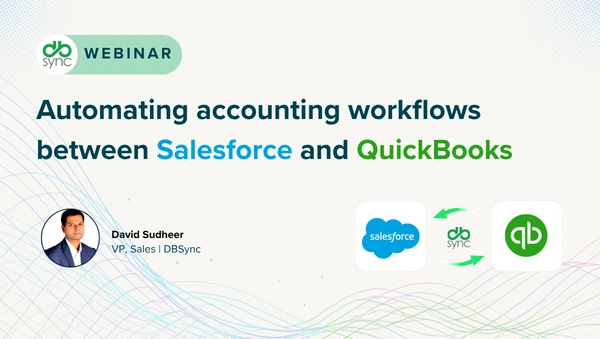
  • Integrate with QuickBooks or other accounting packages using DBSync for Salesforce.com and Accounting packages.
  • Connects any combination of on-demand and on-premise applications without software or appliances.
  • E-commerce orders/ account management to salesforce.com.
  • Build, deploy and manage all of your integration processes on a single platform.


Price: starts from $995/org/year


Salesforce & QuickBooks Integration starts from $795/org/year, full featured at $1495/org/year.


Connects to

  •  Accounting: QuickBooks
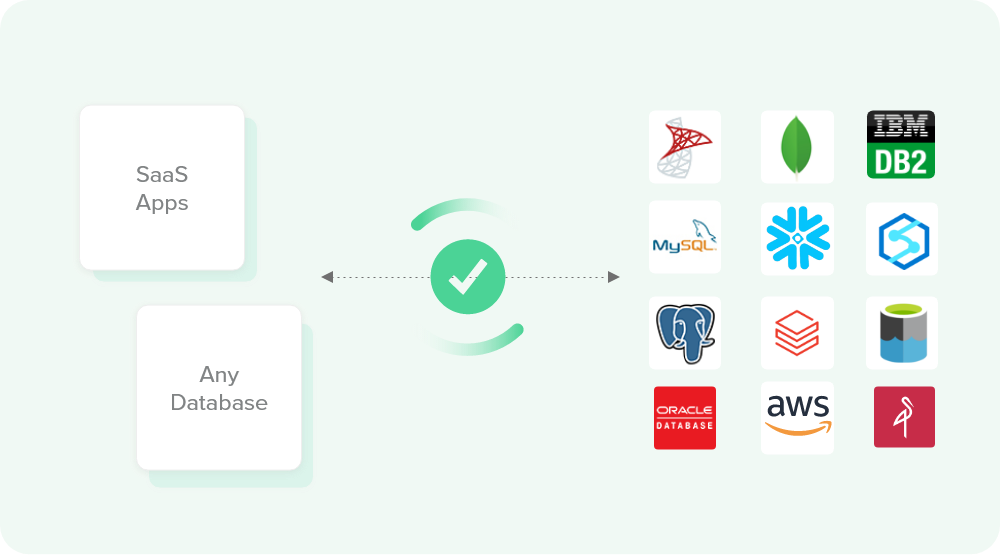
  •  Databases: Oracle, SQLServer, DB2, mySQL and PostgresSQL
  •  Credit Cards Processors: Authorize.Net, PayPal

FAQ

What versions of Salesforce do you support?

Salesforce Professional Edition (with or without the products module), Enterprise Edition and the Non-Profit Edition

What versions of QuickBooks do you support?

  • QuickBooks Online
  • QuickBooks 2008 and later US,
  • QuickBooks 2008 UK and Canada

Can I get a demo of DBSync?

You may trial DBSync free for 15-days and going through the signup process. You'll then receive further instruction via e-mail.

Is DBSync bi-directional?

Yes, you also have control to make DBSync uni-directional within the configuration screen if you choose.

Is DBSync a On demand model or On Premise Model?

DBSync can be used as on demand or as an on premise model also.

When is a QuickBooks transactions like Estimate, Sales Order, Invoice,Credit Memo generated?

A transaction in QuickBooks will be created once an Opportunity in Salesforce is marked ‘Closed Won.’ This will happen on the next synchronization.

How frequent the synch takes place?

The synch can take place for a minimum of every 5-10 mins. This can be scheduled and configured in your QuickBooks WebConnector.

What transaction types can we generate in QuickBooks from Salesforce

  • Invoices
  • Sales Orders
  • Sales Reciepts
  • Credit Memos
  • Estimates

With Customization you can generate Purchase Order, Time sheets.

If I create one of the above transactions in QuickBooks, what will happen in Salesforce?

A ‘Closed Won’ Opportunity will be generated in Salesforce.You can enable or disable this business process from within DBSync

Can DBSync support Product Hierachy?

Yes, DBSync supports product hierarchy within salesforce.com as it is supported in QuickBooks

Can DBSync Support generating Invoice based on schedule?

Yes, DBSync can support invoice generation based on product schedule within salesforce.com

Can DBSync be customized and can it integrate Custom object and custom fields?

Yes,  DBSync is a complete flexible solution which can be customized as per to your unique business process.

What is your support policy?

Customer Support will be reached by

Phone: 1-877-739-2818

Email: support@avankia.com

Support hours – 9am to 5pm CST, M-F, excludes US holidays.


Business Solutions
Salesforce to Databases: Integrate any object in Salesforce to any table or view in supported databases
Salesforce to QuickBooks: Account, Contact, Opportunity to QuickBooks Customer, Job, Estimate or SalesOrder or Invoice
Salesforce to Authorize.Net: Receive payments in Salesforce from custom payment object to Authorize.net
QuickBooks to Salesforce: Customer, Invoice from QuickBooks to Account, Contact and Opportunity in salesforce
QuickBooks to Salesforce: Migrate all your QuickBooks Data - Customer, Invoice to Salesforce Account, Contact and Opportuntity
QuickBooks to Salesforce: Move Payments in QuickBooks to Payments (custom object) in Salesforce for more accounting visibiity