
























Still manually entering data between Salesforce and QuickBooks?

Automate invoicing, estimates, payments and more with DBSync’s bi-directional integration that eliminates double entry and turns order processing into effortless accounting.

Time saved annually
0 k+ hrs
Reduction in cycle time
0 %
Higher cash flows
0 %

Get Started with our pre-built connector

Leverage our pre-built integration templates to connect Salesforce with QuickBooks Online seamlessly. This template automates workflows, reduces manual data entry, and accelerates business processes for enhanced efficiency.

Perfect for Order-to-Cash, Procure-to-Pay, and CRM-to-Accounting integrations.

Free integration

Get Started Today

Explore the benefits of connected data with our Free Salesforce-QuickBooks Online/ Desktop integration. Perfect for test and evaluation with basic integration capabilities

✔️ Trial Period - 14 days

✔️ Connectors - 2

✔️ No Customization

✔️ Data Sync - Limited

✔️ Support - Community

Ideal for quick setup, testing, and basic data sync.

Recommended Recommended

Standard integration

Unleash the Full Power

Unlock the full potential of your Salesforce data with our Standard plan. Enable advanced features and customization to optimize your business processes

✔️ Full Access

✔️ Connectors  -  Up to 5

✔️ Customization - Full access

✔️ Sync millions of records

✔️ Support - Priority

Ideal for robust integration and custom workflows.

How we make data sync effortless

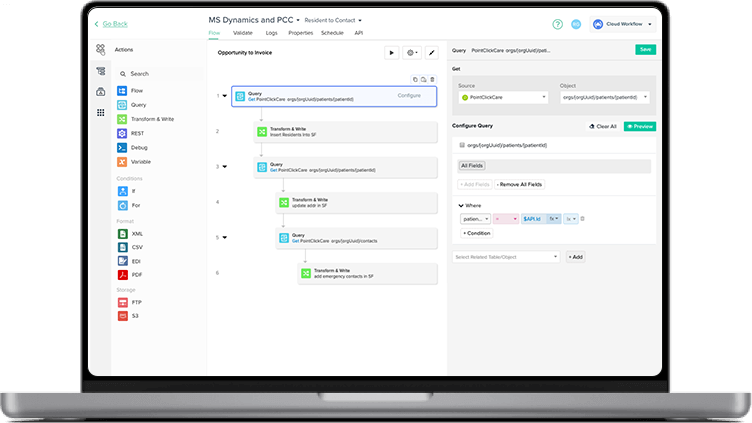
No-code setup

Jumpstart integrations with ready-to use templates based on Q&A forms.

Visual workflow builder

Tailor workflows to your specific business needs.

Near real-time sync

Always up-to-date data with REST APIs/Webhooks.

GUIDE

Download the complete guide to Salesforce-QuickBooks integration

Why your team will love this

Eliminate manual work

Automate processes like order-to-cash, lead-to-invoice, and procure-to-pay.

Near real-time data sync

Keep information consistent across CRMs, ERPs, accounting, and marketing apps.

Faster decision making

Get real-time insights with automated data transfer.

Secure and compliant

Maintain data integrity with built-in security and audit controls

Voted #1 easiest to use

But don’t just listen to us…

Trusted by leading data teams

Tyler H
Tyler H Accountant, All Star Sports Academy

"We've been using DBSync Cloud Workflow for a year to connect Salesforce and QuickBooks Desktop, and it's worked very well for us."

David
David Jones CEO, Swift Permits

"The DBSync team made our onboarding experience incredibly smooth, going above and beyond during the initial setup and walking us through every detail to ensure we were confident in the system."

donna murray
Donna Murray Director of Finance, Loan Syndication and Trading

"DBSync's QuickBooks auto-sync saved weeks for PhoCus Wright Inc. Salesforce's top recommendation for accounting integration resulted in significant ROI, freeing up weeks of the finance director's time for more strategic tasks."

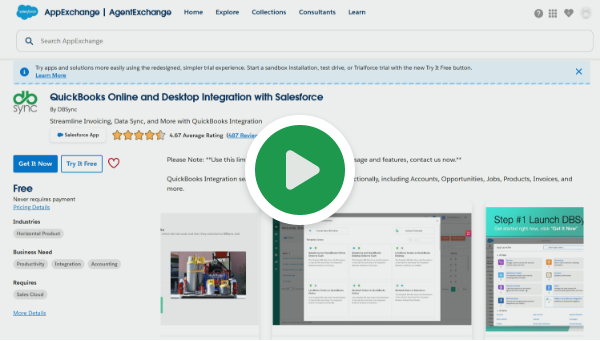
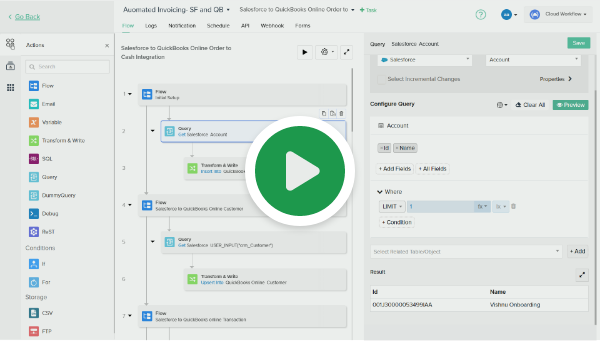
Salesforce and QuickBooks Online/ Desktop Integration On-Demand Demos

See DBSync in Action

Ready to streamline your Salesforce operations by connecting it with QuickBooks Online/ Desktop and other key apps? We help you integrate data, automate workflows, and ensure reliable replication for better efficiency and decision-making.

data transfer 1
Effortless integration

Connect Salesforce with your preferred apps and databases for seamless data flow.

workflow icon
Automated workflows

Simplify tasks like invoicing and payment updates with automation.

Data Replication Icon
Reliable data replication

Replicate Salesforce data securely to databases with minimal delay.

Sync Icon
Continuous sync

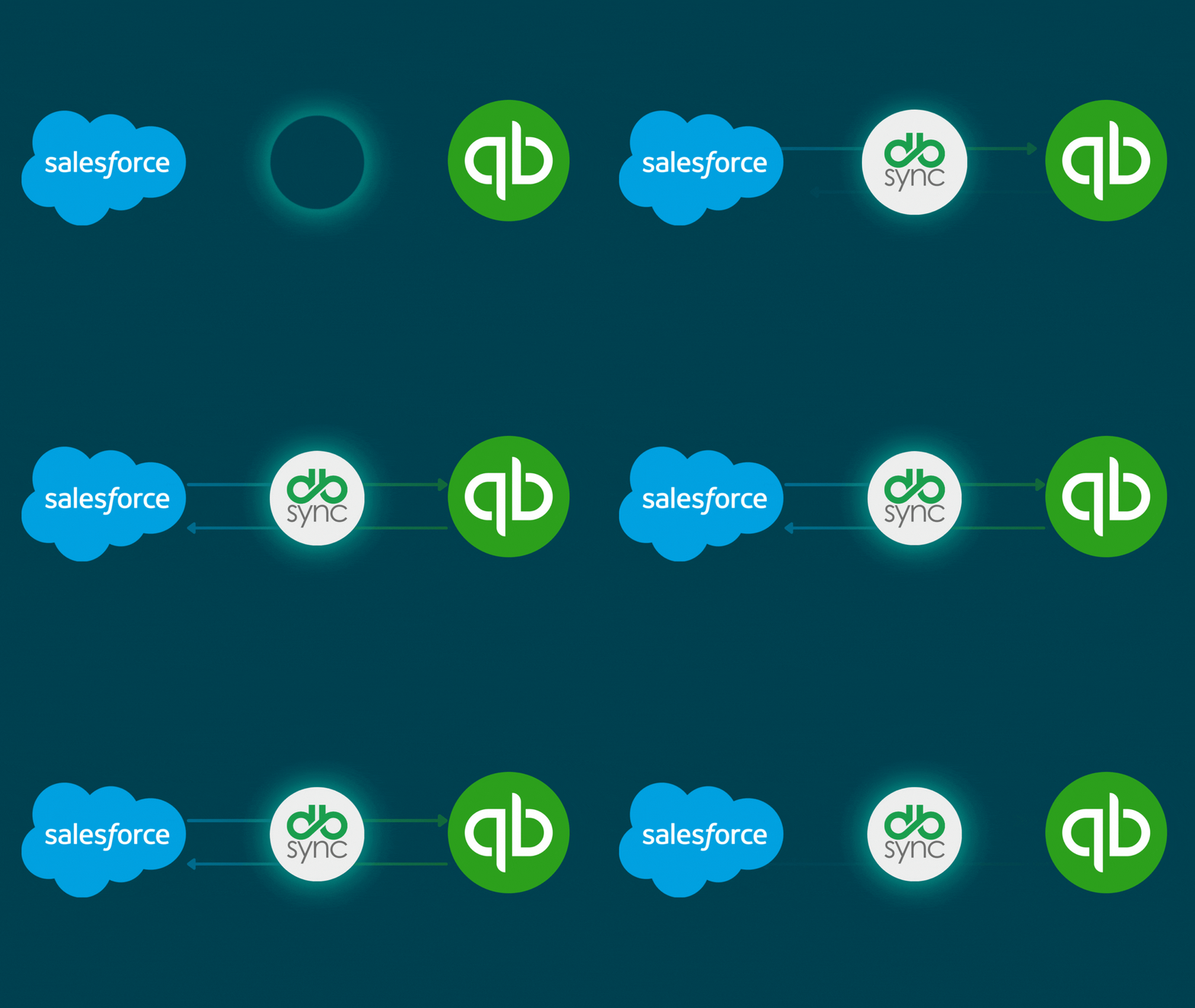
Keep data synchronized bi-directionally across Salesforce and other systems.

FAQs

Quick answers to questions you may have. Can't find what you're looking for? Check out our full documentation.

Yes, and you also have the flexibility to make it uni-directional.

Yes, this connector is compatible with both QuickBooks Desktop and Online versions. We are one of the most widely used solutions for Salesforce Quickbooks Desktop/ Online integration.

The solution is compatible with all major versions of Salesforce, including Unlimited, Professional, Enterprise, and Non-Profit editions.

You can generate following transactions in QuickBooks Online/ Desktop from Salesforce: Invoice, Sales Order, Sales Receipt, and Estimate. By using customization you can generate Credit Memo, Purchase Order, Timesheet transactions as well.

A transaction in QuickBooks Online/ Desktop will be created once an Opportunity in Salesforce is marked ‘Closed Won.’

Absolutely, DBSync is a completely flexible solution which can be customized for unique business processes.

Yes, DBSync supports product hierarchy within Salesforce.com as available in QuickBooks Online/ Desktop.

We support both complete and incremental synchronization. The connector automatically tracks the last record processed so that you can synchronize only the updated records and never miss a record.

Yes, you can install it on your Sandbox to test the integration and then switch to the production instance.

DBSync’s integration includes a scheduler, using which any process can be automated to run at predefined intervals. You can perform synchronizations as frequently as 5 minutes.

Definitely, 14-day free trial is available after completing the registration process

crm shape 2
Get started

Automate Salesforce + QuickBooks Online/ Desktop to save hours and boost accuracy in an hour.

crm mockup cta